01
Programme
Sunday mysteries
The next episode is ready.
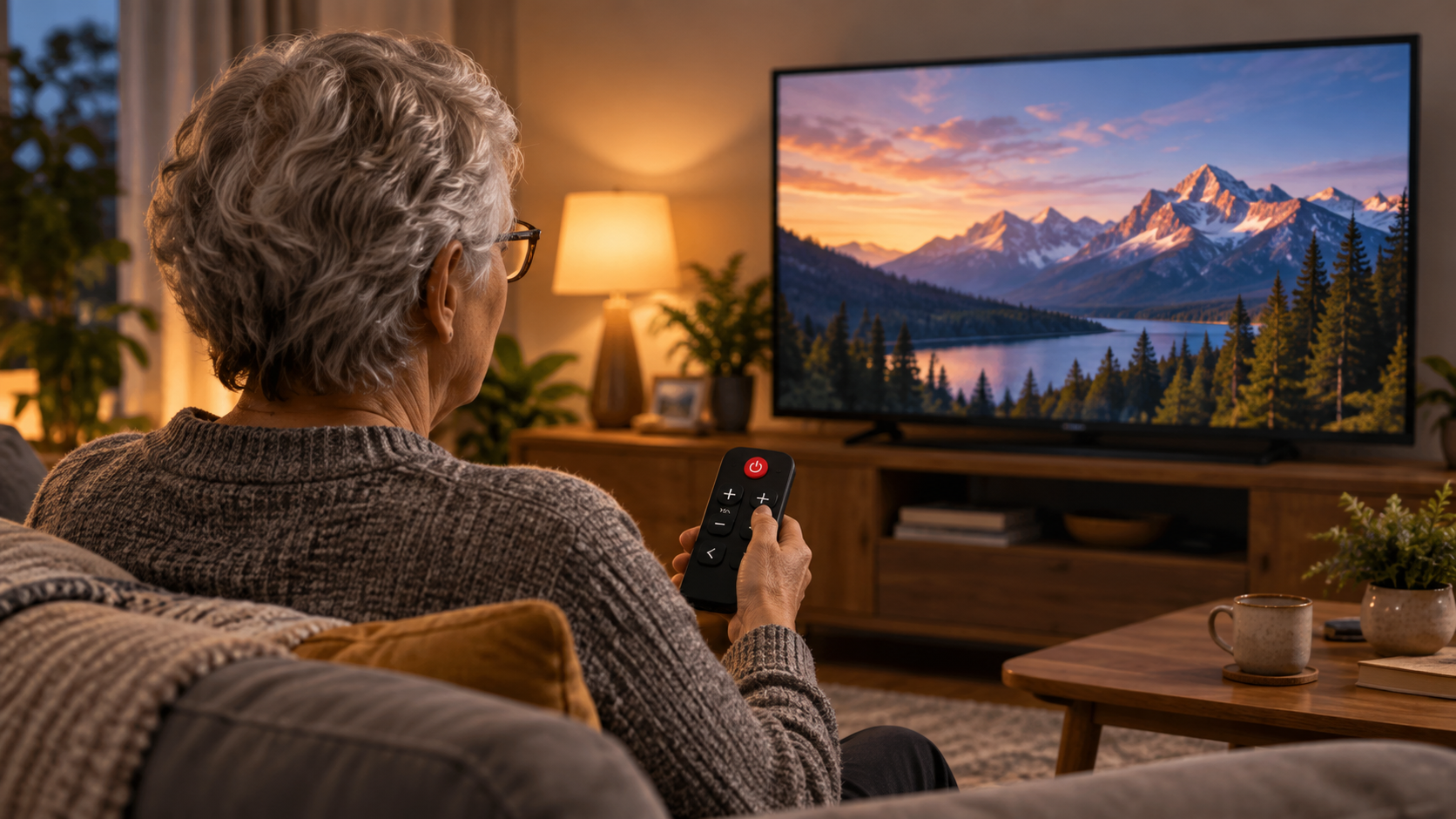
Television, made familiar
Favourite programmes, series and music—ready without complicated menus. Switch on. Change channel. Watch.
Family can take care of the complicated parts in the background.
One simple remote
Good Old TV is designed around a physical remote that feels immediately familiar. No menus, no source switching and no maze of buttons.
What you can watch
Programmes, series, music and playlists can be prepared in advance, then enjoyed one channel at a time with the physical remote.
Programme
The next episode is ready.
Music
A familiar playlist, just one channel away.
Series
Continue watching without hunting through menus.
Good Old TV does not replace content subscriptions. Compatibility may vary as third-party services change.
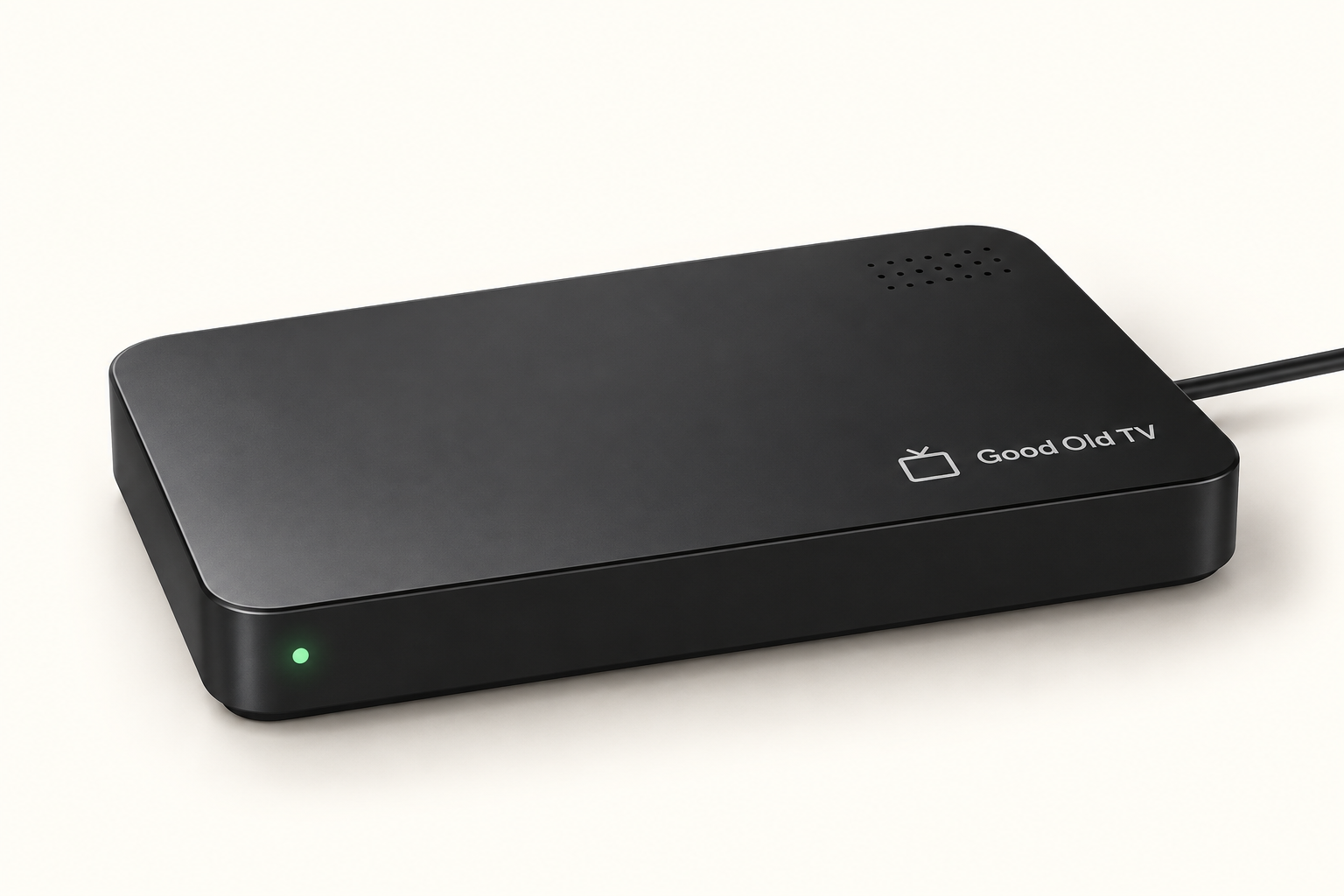
The Good Old TV gadget
It connects to the television and network, keeps each channel ready and responds to the simple remote.
Connect it to the television.
Connect it to the network.
Watch with the Good Old TV remote.
Hardware shown is representative and subject to change.
Help from behind the scenes
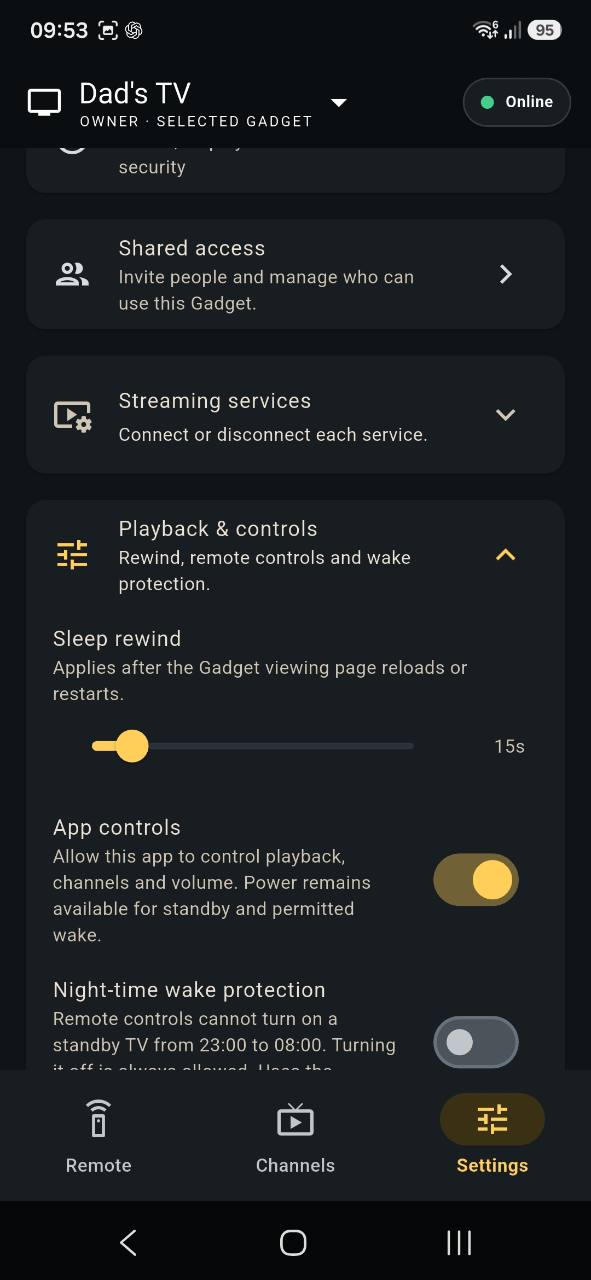
The caregiver app lets a trusted family member or carer prepare channels, control the television remotely, manage streaming-service settings and help from elsewhere.
Explore the caregiver app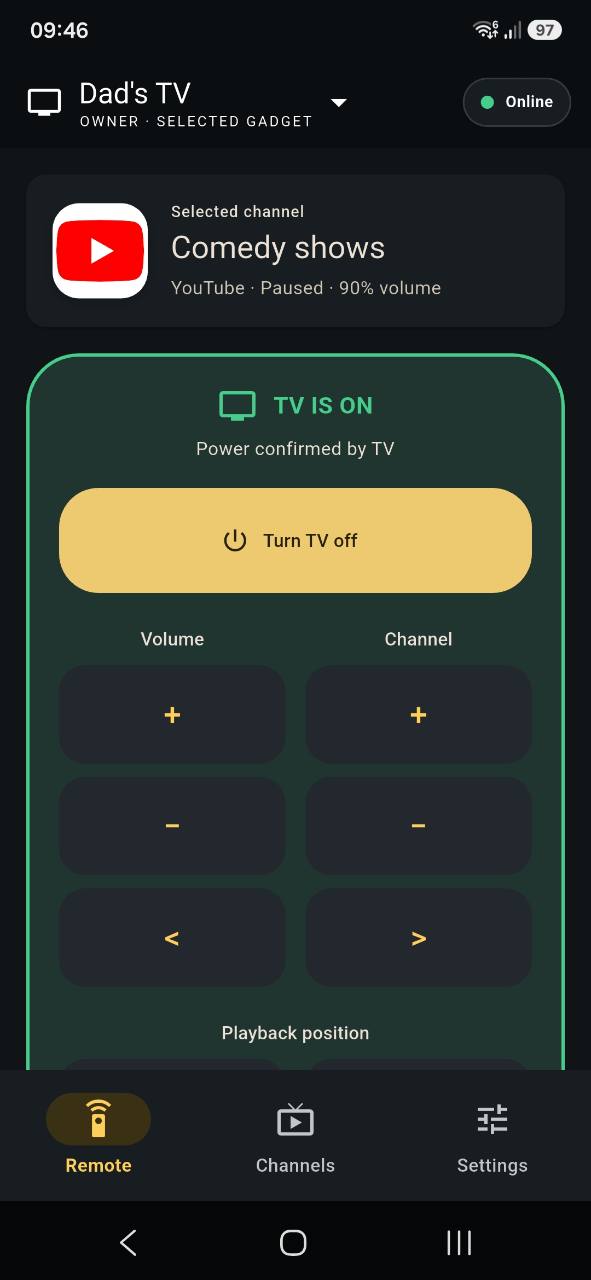
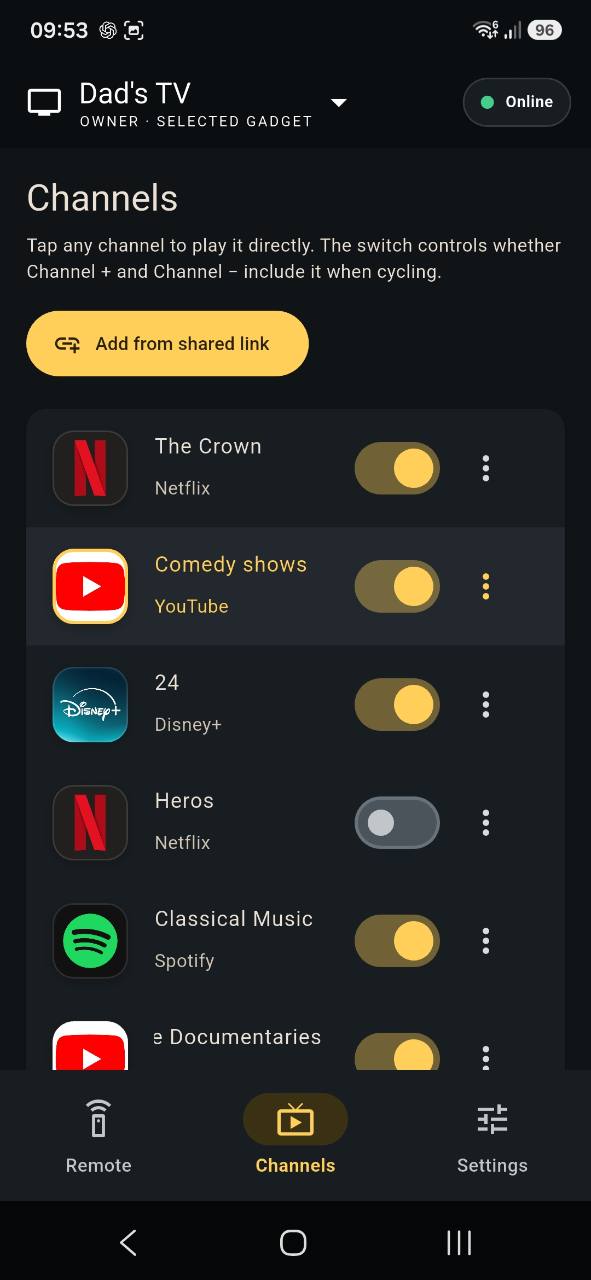
Stay in the loop
Leave your email address to start a registration message. We will use it only to respond about Good Old TV testing and availability.
Questions
No. It helps make content from supported services behave more like simple television. You remain responsible for subscriptions and access.
No. The viewer uses the television and physical remote. The app is for the family member or carer who helps set things up.
Not yet. Good Old TV is in private testing. You can register interest to hear about future availability.